
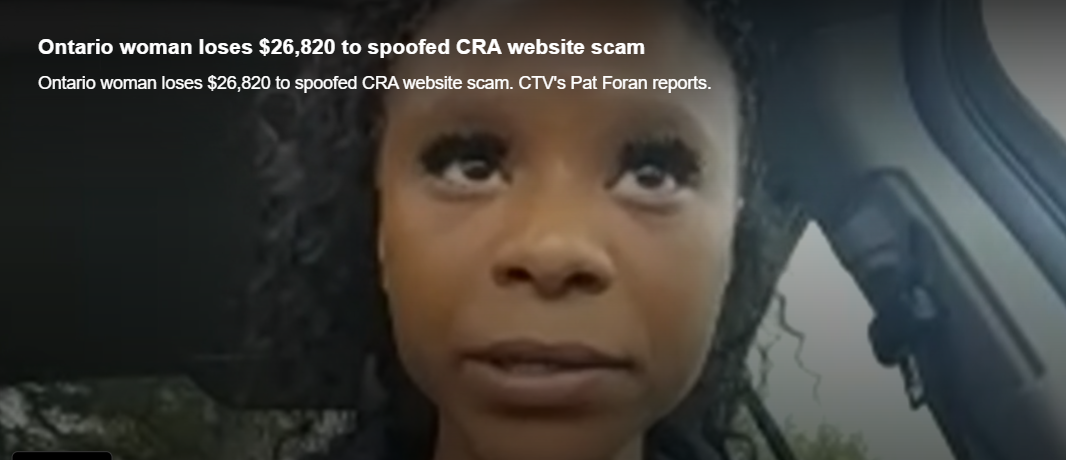
Ruth Jean of London, Ont., recently wanted to open a business account with the Canada Revenue Agency.
When she did a quick Google search in March, it led her to a website which she said looked a lot like the Canada Revenue Agency (CRA), making her believe she was using the actual website.
“How was I supposed to know it was a scammer. I didn’t know that,” Jean told CTV News Toronto.
Jean operates her own company and said she needed to set up a business account with the CRA and clicked on the first website that appeared on top of a search page.
“I went on Google and typed in ‘CRA Business login’ and clicked on it. The CRA name was on there,” Jean said.
She said she was asked to put in her Social Insurance Number as well as other personal information. Then, she was asked for her banking details.
“It asked for the card number, the ATM password and the expiration date for the card, and all that information, so I put it in,” said Jean. “After I submitted the information, the screen went black.”

Jean then realized she was on a spoofed CRA website that looked like the real thing. Once the scammers gained access to her banking account, she said they emptied it of $26,820.
Earlier this year, CTV News reported on a senior who was trying to buy GIC’s but also got caught in a fake website scam, costing him $750,000.
CTV News reached out to Google and Microsoft, the parent company of the search engine, Bing.
While Microsoft did not provide a comment, a spokesperson for Google said in a statement, “Protecting our users is a top priority and we have strict policies that govern the ads on our platform. These scams are prohibited on our platforms and when we find ads that breach our policies we take immediate action, including removing the ads and suspending advertiser accounts when necessary.”
However, a cybersecurity expert told CTV News there are ways to circumvent those policies.
“Individuals can pay to have listings right to the top and some of the websites are not verified. They are what we call spoofed websites,” said Ritesh Kotak.
Kotak said when browsing the internet, you need to make sure you are on the proper website before entering financial information.
Installing third-party checkers can also help detect fraud.
“The easiest way is to read up in the browsers and make sure it is accurate and spelled correctly,” said Kotak.
“If you are going to be putting in personal information, look for the padlock in the browser, this means there is a security certificate and your information is encrypted.”

Jean told CTV News she’s devastated to lose her hard earned money.
“I feel sad and angry. I didn’t know this could happen. I was just trying to sign-up for a business account for CRA.”
According to Google, the website is investing heavily in the enforcement of its policies and have thousands of employees working around the clock to create and enforce policies at a large scale.
In 2024, the website restricted over 9.1 billion ads, suspended over 39.2 million advertiser accounts for egregious policy violations and blocked over 5.1 billion ads for violating its policies.
Like Our Story ? Donate to Support Us, Click Here
You want to share a story with us? Do you want to advertise with us? Do you need publicity/live coverage for product, service, or event? Contact us on WhatsApp +16477721660 or email Adebaconnector@gmail.com